This page collects everything worth knowing about reading WhatsApp chats remotely: what a monitoring app actually does, how the setup works, where the limits are and what the law allows. Whether the target device is an iPhone or an Android phone matters far less than two questions — can you get to the device, and are you allowed to?

What the app can do
A monitoring app is set up on the target device and sends the data it collects to a web dashboard that you open from your computer or your own phone. Four areas make up the core of it.
Messages and chats
Incoming and outgoing WhatsApp messages appear in the dashboard with a timestamp and the contact involved. Group conversations and voice messages are captured alongside one-to-one chats.
Photos and videos
Media that has been sent or received is transferred as well. That way you see not only what is being written about, but which content is actually being exchanged.
Location and geofencing
The device location can be followed on a map. With geofencing you draw an area and get a notification the moment the device leaves it.
Android and iPhone
The technology is tuned to more than 4,000 phone models and covers both Android and iOS. The route to a working setup, however, differs noticeably between the two systems.
Who this is meant for
Curiosity on its own does not justify monitoring anyone. There are situations where using such an app is reasonable and lawful — and others where you should simply leave it alone.

Parents of minor children
The classic case. Anyone holding parental responsibility may supervise within its scope. The older the child, though, the more weight their own right to privacy carries.
Your own devices
On a phone you own and use yourself, you can set up whatever you like — for example to recover a lost device or to keep a copy of your chat history.
Company phones with consent
Work devices may be monitored if employees know about it and have agreed to it. Without that consent, a company phone is off limits too.
Where it does not belong
Secretly monitoring a partner is not a grey area, it is simply not permitted — no matter how justified a suspicion may feel. The same goes for adult children, acquaintances and colleagues. Anyone who has reached that point in a relationship usually has a trust problem that no chat log will solve.
How the setup works
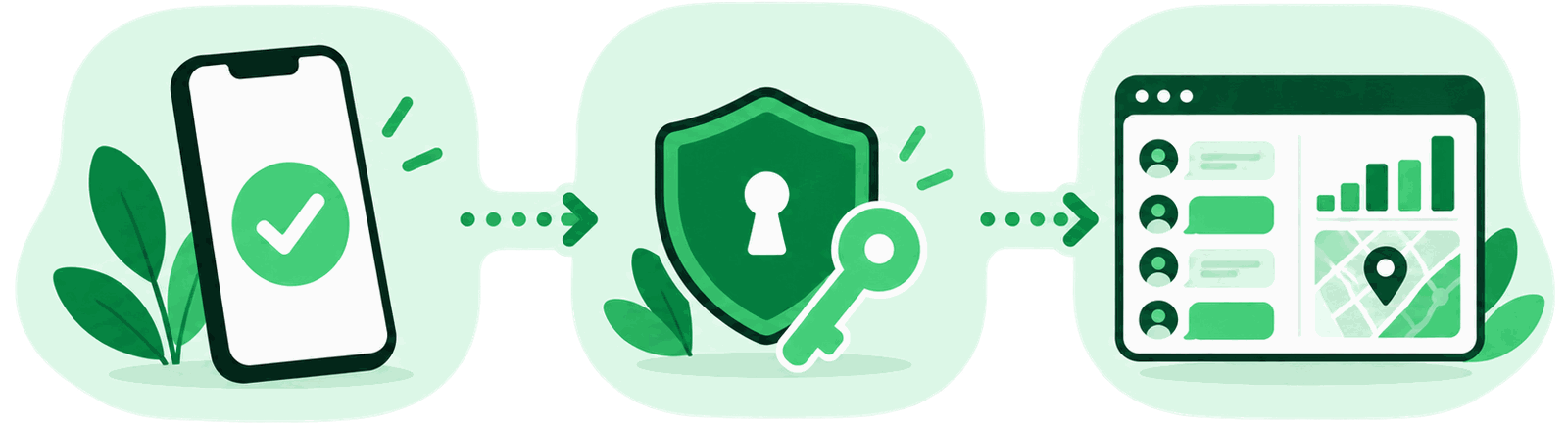
The procedure is broadly the same with every serious provider and takes under half an hour in practice — assuming the prerequisites are in place.
-
Check compatibility
First establish which operating system and which version the target device runs. That determines which features are available at all and which setup route applies to you.
-
Create the account
After purchase you receive credentials for the web dashboard. That is where you later manage every device and every report; a wizard walks you through the initial setup.
-
Set up the target device
On Android the app is installed directly on the phone, which means holding the device once. On an iPhone the setup often runs through the iCloud credentials and an active backup instead.
-
Review the data
Once the first sync completes, the data shows up in the dashboard. From there you read chats, view media and locations, and set up alerts such as the geofence if you want them.
Requirements and limits
So that no false expectations take hold: everything marked with a check works, everything marked with a cross does not. Treat any provider promising you otherwise with scepticism.
- Access to the target device — physical once on Android, via iCloud credentials on iOS
- A working internet connection on the target device for the transfer
- An account with the provider and a valid licence
- Support for more than 4,000 phone models across Android and iOS
- Reading messages from a phone number alone, with no device access
- Breaking WhatsApp’s end-to-end encryption
- Messages that were permanently deleted before the setup
- A guarantee of permanently going unnoticed
One practical point is widely underestimated: every major system update on the target device can force you to repeat the setup. If you cannot get hold of the phone a second time, you are left without data. That is not a weakness of one particular provider, it is inherent to how this works.
- 4,000+phone models
- iOS & Androidboth systems
- 48 hoursreply to enquiries
The legal side
A word on doing this with children: even where it is lawful, there is a strong case for being open about it. A child who knows their location is shared tends to experience it as a safety net rather than surveillance. If covert monitoring is discovered, the damage to trust is usually greater than anything you learn from it.
Frequently asked questions
Can I read WhatsApp messages using just a phone number?
No. Any offer that promises this is not trustworthy. Access to the target device is always required — once physically, or through the credentials of the device backup. A number on its own only yields an approximate location via the mobile network; we explain that under phone tracking.
Will the monitored person notice anything?
The app runs in the background and shows no icon of its own. That still is not a guarantee: a look at battery statistics, data usage or device administration can give it away, and behaviour sometimes changes after a system update.
Does it work the same on iPhone as on Android?
The feature set is similar, the route there is not. On Android an app is installed on the device, which requires physical access once. On iPhone the setup usually goes through the iCloud backup. That backup has to be switched on, and the data is only as current as the last one.
Will I see older messages from before the setup?
Only as far as they still exist on the device or in its backup. Anything permanently deleted beforehand cannot be recovered. Expect the record to start, in practice, from the moment the setup is finished.
Is WhatsApp’s encryption cracked in the process?
No, and this matters. End-to-end encryption stays intact. What gets read is exclusively what is already legible on the target device’s screen. That is precisely why access to the device is a hard requirement.
What does it cost, and is there a free version?
Serious solutions are paid products sold as a term licence. You will find the current packages and a feature comparison on the page about the spy app for WhatsApp. Free offers typically finance themselves through your own data instead.
Does monitoring work abroad as well?
Technically yes, as long as the target device is online over Wi-Fi or mobile data. How the messenger behaves while travelling and which tariffs make sense is covered under WhatsApp abroad. Bear in mind that different legal rules may apply in the destination country.
Every feature in one overview
mSpy brings messages, media, calls and location together in one protected account — for iPhone and Android, set up within minutes.
From the guides
Parental controls
What WhatsApp actually offers, what the phone handles instead, and where monitoring stops being reasonable.
Read more
Privacy settings
Two-step verification, visibility and linked devices — the settings that make a difference.
Read more
Is monitoring legal?
Your own device, your child, your partner, your staff — four situations, four answers.
Read more
Read on
Pricing at a glance
Feature scope, packages and the differences between the licences side by side.
Learn more
Phone tracking
How locating a phone through the mobile network works and where its accuracy runs out.
Learn more
WhatsApp abroad
Messaging and calling while travelling — with the right tariff and around country blocks.
Learn more