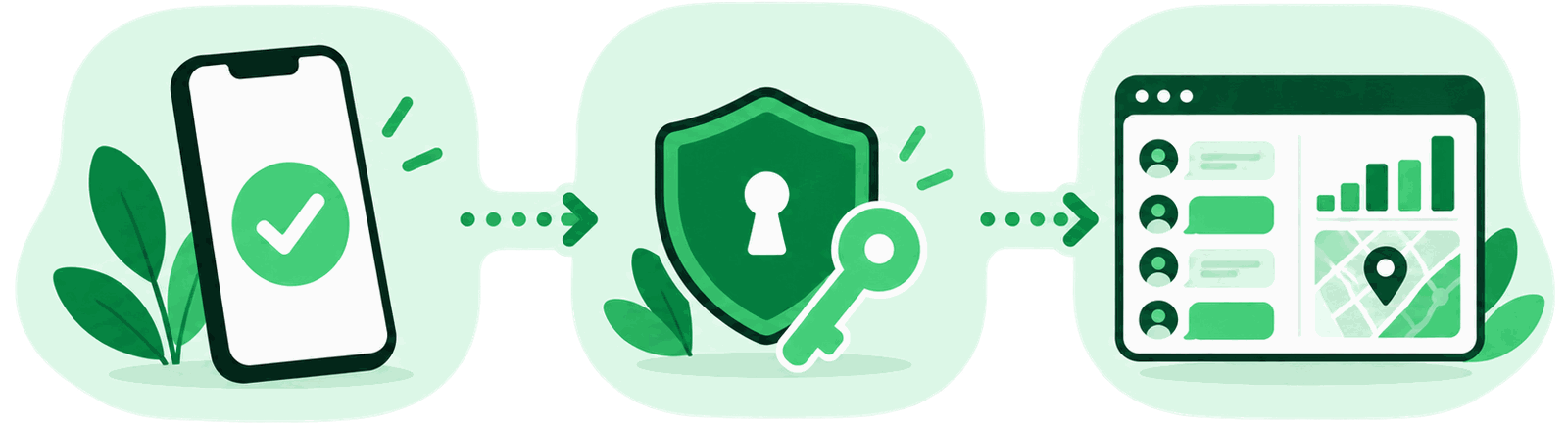
WhatsApp encrypts every message end to end, and accounts still get stolen every day. There is no contradiction: encryption protects the journey between two phones. It does not protect the account, and it does not protect an unlocked device. That is where the settings below come in.
What encryption does and does not cover
End-to-end encryption means nobody in between can read your messages — not your network, not WhatsApp itself. That is genuinely valuable and often undersold.
What it does not mean is that your conversations are private under all conditions. On both phones the messages sit decrypted, because otherwise you could not read them. Anyone with an unlocked handset reads along. And anyone who moves your account to their own device simply receives your future messages the normal way.
Two-step verification: the one that matters most
If you change exactly one setting, make it this one. Under Settings → Account → Two-step verification, set a six-digit PIN. WhatsApp asks for it whenever your number is registered on a new device.
That closes the most common takeover route entirely. A scammer talks you into forwarding the SMS verification code; without a PIN that is enough for them, with a PIN it is not. Add a recovery email while you are there, or a forgotten PIN locks you out for a week.
Who can see what
Under Settings → Privacy everything defaults to Everyone, which means every person holding your number.
| Setting | Recommended | Why |
|---|---|---|
| Profile photo | My Contacts | Raw material for impersonation and the „Hi Mum” scam |
| About | My Contacts | Frequently reveals employer or town |
| Last seen and online | Nobody or Contacts | Lets anyone reconstruct your daily routine |
| Status | My Contacts | Often gives away travel and location |
| Groups | My Contacts | Stops strangers adding you to spam and investment groups |
Check your linked devices
WhatsApp runs on several devices at once. Anything linked stays linked — the old laptop you sold, the desktop someone borrowed, the browser session at a friend’s house.
Open Settings → Linked devices and read the list. Log out anything you cannot place with certainty. It takes ten seconds, and it is the only screen where an unnoticed listener would actually be visible.
Backups: the gap most people miss
Your chats are encrypted. For a long time the cloud backup was not, which meant a readable copy of your conversations sat with Google or Apple.
WhatsApp now offers end-to-end encrypted backups, but they are not on by default. Go to Settings → Chats → Chat backup → End-to-end encrypted backup and set a password or save the 64-digit key.
The device itself
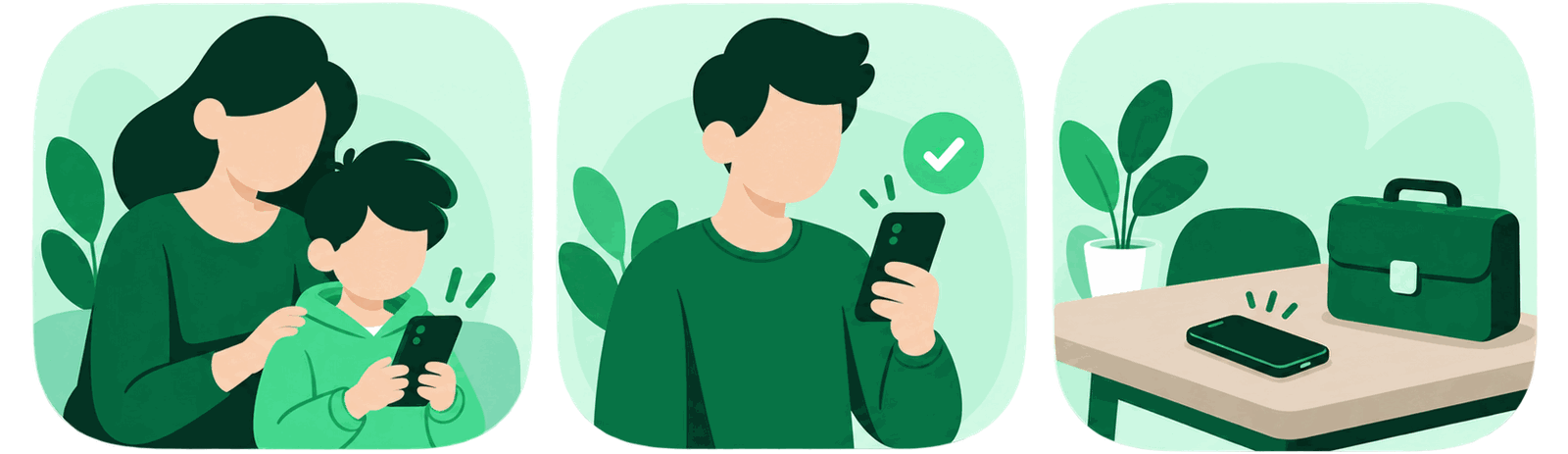
No account setting survives a phone left unlocked on a table. Three things belong together:
- A screen lock that is not 1234, with a short auto-lock delay
- WhatsApp’s own app lock (Privacy → App lock) requiring fingerprint or face
- Message previews on the lock screen turned off, so content is not readable without unlocking
If you want to understand how monitoring software reaches message content at all — and why it always needs access to the device — that is explained under the spy app page.
Frequently asked questions
Can someone read my WhatsApp messages with just my phone number?
No. Services claiming otherwise are fraudulent. Reaching message content requires either access to the device or a takeover of the account through the verification code. A number alone is not enough.
How do I know my account has been taken over?
The clearest sign is being logged out and asked to verify again. Others: contacts receiving messages you did not send, or a device you do not recognise under Linked devices.
My account was stolen — what do I do first?
Register your number again yourself, which immediately ends the attacker’s session. Then enable two-step verification and warn your contacts, since money requests in your name are the usual next step. See WhatsApp scams.
Would switching to another messenger help?
Not much for transport encryption — several apps use the same protocol. There are real differences in metadata handling and address book access. But the account and device risks described here apply to every messenger equally.